
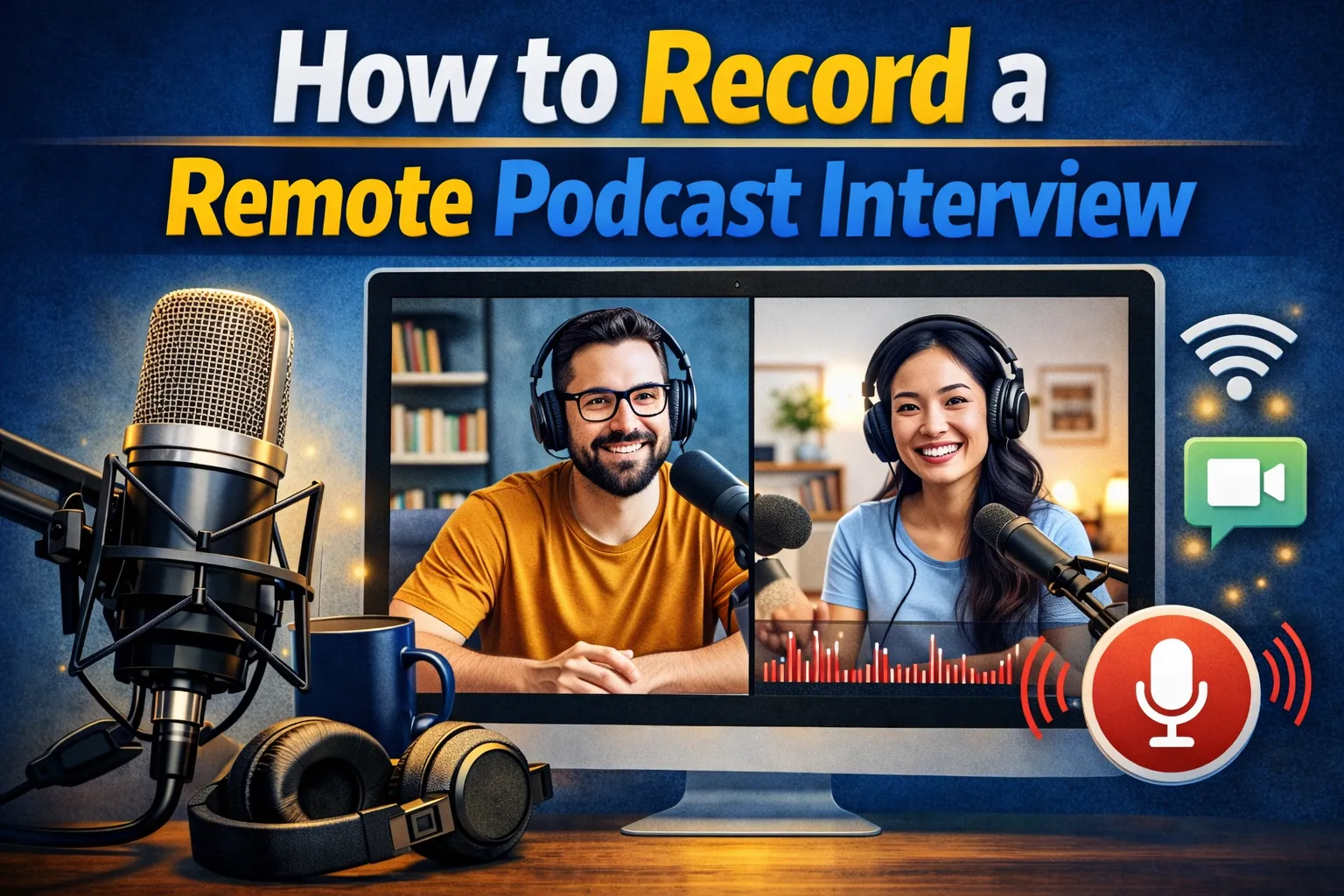
How to Record a Remote Podcast Interview
Remote podcast interviews have become the standard for modern podcasting. Whether you are interviewing a guest on the other side of the world or simply recording with a co-host who lives across town, remote recording opens up possibilities that would be impossible with an in-person-only setup.
The challenge? Audio quality. A poorly recorded remote interview sounds amateur — echoes, dropouts, robotic compression artifacts, and unbalanced levels. But with the right tools and technique, you can achieve results that rival professional studio recordings.
Choosing the Right Recording Platform
Not all communication tools are created equal for podcast recording. Here is what you need to know about each option:
Dedicated podcast recording platforms like Riverside, SquadCast, and Zencastr record each participant's audio locally (on their own computer) and then upload the high-quality files. This means even if the internet connection hiccups during the interview, your final audio is clean and uncompressed. This is the gold standard for remote podcast interviews.
Zoom works in a pinch, especially if you enable "Allow recording of separate audio channels" in settings. The convenience factor is undeniable — your guest likely already has Zoom installed. Quality is decent but inferior to dedicated platforms because it relies on the compressed stream rather than local recording.
The "double-ender" method is the most reliable approach: each participant records their own audio locally using software like Audacity, GarageBand, or a dedicated recorder. You then sync the tracks in post-production. This requires more coordination but offers maximum quality.
Essential Equipment for Remote Recording
Your guest probably does not have a podcast studio, but you can still get great results with minimal equipment guidelines:
- A dedicated microphone — even an affordable USB microphone like the Audio-Technica ATR2100x dramatically outperforms any laptop's built-in mic. For more recommendations, see our best podcast microphones guide.
- Headphones — both you and your guest should wear headphones to prevent echo and feedback. In-ear or over-ear, any headphones are better than speakers.
- A stable internet connection — wired Ethernet is preferred over Wi-Fi. If Wi-Fi is the only option, sit close to the router and ask others on the network to avoid heavy streaming during recording.
- Pop filter or windscreen — reduces plosive sounds (p's and b's) that are especially noticeable in close-mic'd recordings.
If you are considering an audio interface, it's worthwhile for XLR microphones but not required for USB microphone setups.
Setting Up Your Recording Environment
The room matters as much as the microphone. Sound bounces off hard surfaces — walls, desks, windows — creating that characteristic "bathroom echo" that screams amateur podcast.
Simple room treatment tips:
- Record in a carpeted room with soft furniture (bedroom or closet works great)
- Hang blankets or towels on nearby walls during recording
- Close windows and doors — background noise is the most common audio quality killer
- Turn off fans, air conditioning, and any humming appliances
- Position yourself 4–6 inches from the microphone at a slight angle
Send your guest these same tips before the interview. A quick "recording environment checklist" email goes a long way toward consistent quality.
Pre-Interview Preparation
Professional-sounding remote interviews start long before you hit record:
- Send a briefing email with key topics (not exact questions — you want natural conversation), technical requirements, and a link to the recording platform.
- Schedule a 5-minute tech check before the actual interview. Test audio levels, headphone feedback, and internet stability.
- Research your guest thoroughly. Listen to their other interviews, read their work, follow them on social media. Guests appreciate when you clearly know their background.
- Prepare open-ended questions that invite storytelling rather than yes/no answers. "Tell me about..." and "Walk me through..." work well.
- Set expectations about episode length, editing process, and publication timeline.
During the Interview: Best Practices
Once you are recording, keep these principles in mind:
- Mute notifications on all devices. Nothing ruins a great moment like a Slack ping.
- Avoid talking over your guest. In remote recording, crosstalk is almost impossible to clean up. Nod and use visual cues instead of verbal "uh-huh" affirmations.
- Leave gaps. When your guest finishes a thought, wait one full second before responding. This makes editing significantly easier.
- Record a backup. Run a secondary recording in your DAW alongside the primary platform. If one fails, you have a safety net.
- Note timestamps for great quotes or segments you want to highlight later.
Post-Production Tips
After the interview, cleaning up the audio is where remote recordings really come together:
- Normalize audio levels so both voices are at similar volumes. Target -16 LUFS for stereo or -19 LUFS for mono.
- Apply noise reduction to remove background hum, keyboard clicks, or ambient noise.
- Edit out long pauses, verbal fillers, and false starts — but keep the conversation natural. Over-editing sounds robotic.
- Add an intro and outro with your show's branding and music.
Consider transcribing the interview — it gives you quotable material for promotion and makes the episode accessible to a wider audience.
Adding Video to Remote Interviews
Many podcasters now record video alongside audio for video podcasting purposes — publishing clips on YouTube, TikTok, or Instagram Reels. If you choose to add video:
- Ensure good front-facing lighting (a ring light or window behind your camera works well)
- Choose a clean, professional background
- Use a platform that records video locally (not just the compressed stream)
- Dress appropriately and maintain eye contact with the camera, not the screen
Video adds significant post-production time but dramatically increases your content's promotional reach.
Troubleshooting Common Problems
Even with perfect preparation, things can go wrong. Here are the most common remote recording issues and fixes:
- Echo/feedback: Guest is not wearing headphones, or speakers are too loud. Solution: insist on headphones.
- Audio dropouts: Internet instability. Solution: use a platform with local recording, or do the double-ender method.
- Unbalanced volumes: One speaker is much louder or quieter. Solution: adjust in post with normalization or compression.
- Background noise: Dogs, construction, roommates. Solution: reschedule or use aggressive noise reduction in post.
- Latency: Noticeable delay causing speakers to talk over each other. Solution: switch to a lower-latency platform or use the "leave gaps" technique described above.
The good news: after your first few remote interviews, these issues become second nature to prevent. Remote recording has a learning curve, but once you and your guests are comfortable with the workflow, the process becomes seamless.
For a comprehensive overview of starting your podcast journey — including both solo and interview formats — check out our complete guide to starting a podcast.
Host and publish your podcast effortlessly. Start free with OnPodium — upload your remote interview recordings and we handle hosting, distribution, and your podcast website automatically.