
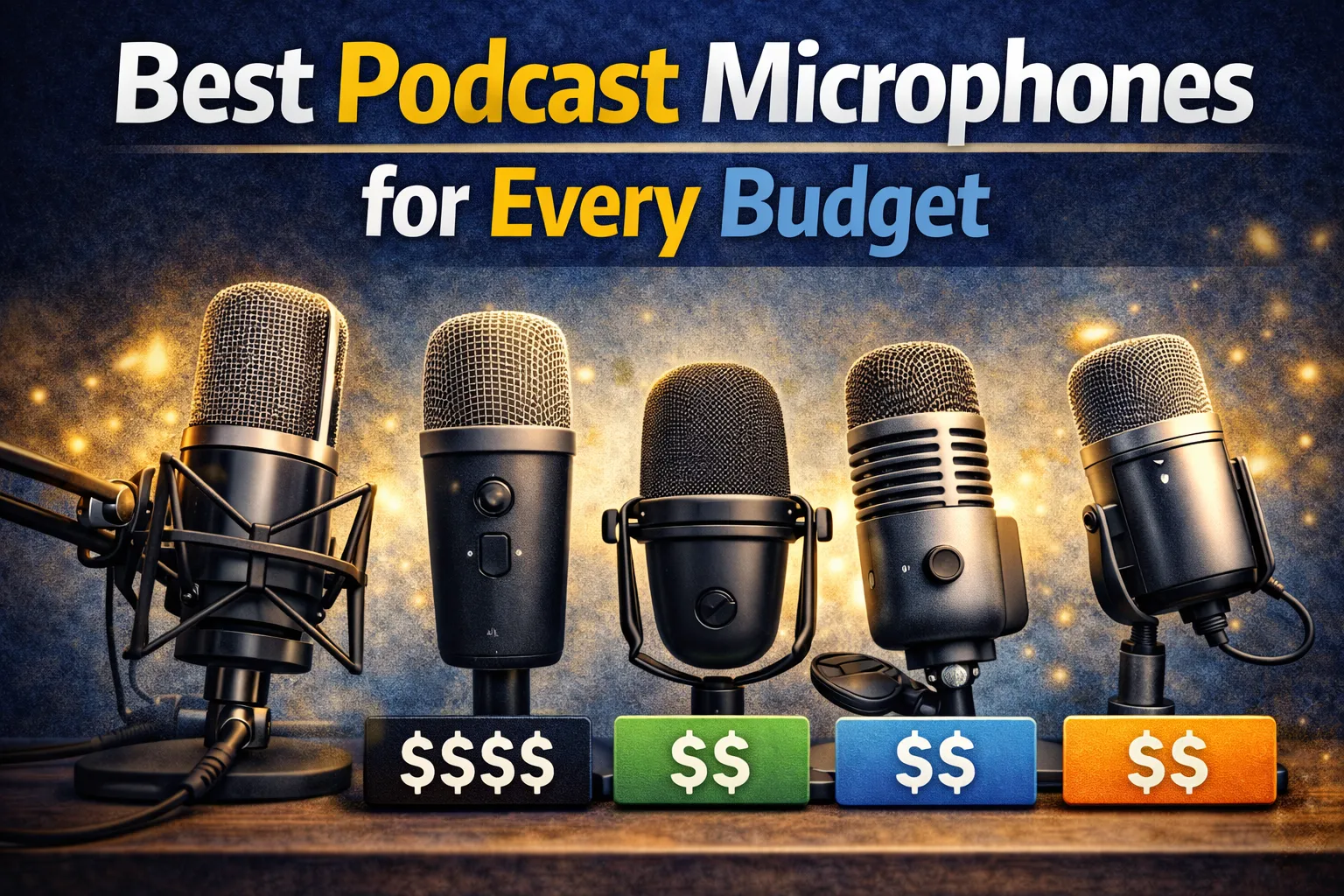
Best Podcast Microphones for Every Budget
Your microphone is the single most important piece of equipment in your podcast setup. Listeners will forgive imperfect editing, mediocre intro music, or a basic website — but they will not tolerate poor audio quality. A good microphone captures your voice with clarity, warmth, and presence, while a bad one turns even the most compelling content into an unpleasant listening experience. The great news? You do not need to spend a fortune to sound professional.
Whether you are just starting your podcast or upgrading an existing setup, this guide covers everything you need to know about choosing the right microphone — from budget-friendly USB options to professional-grade XLR microphones, plus the accessories and recording techniques that make any mic sound its best.
Why Your Microphone Matters
Audio quality is the number one factor that determines whether a new listener stays or leaves. Studies consistently show that listeners abandon podcasts with poor audio within the first 60 seconds, regardless of how interesting the topic is. A quality microphone ensures your voice sounds natural and professional, free from distracting background noise, harsh sibilance, or tinny, hollow tones.
Beyond listener retention, good audio quality also affects discoverability. Apple Podcasts and Spotify editorially curate featured shows, and production quality is a key criterion. If you want to make your podcast stand out, your audio has to meet a professional baseline. The microphone is where that baseline starts.
USB vs XLR Explained
The first major decision when choosing a microphone is the connection type: USB or XLR. Each has clear advantages depending on your experience level, budget, and goals.
- USB microphones plug directly into your computer and are ready to record immediately — no additional equipment needed. They are ideal for solo podcasters, beginners, and anyone who values simplicity. Most USB mics have a built-in analog-to-digital converter, so your computer receives a clean digital signal. The trade-off is less flexibility: you typically cannot connect multiple USB mics to one computer reliably, and you have less control over gain staging and signal processing.
- XLR microphones use a professional 3-pin connector and require an audio interface or mixer to connect to your computer. This adds cost and complexity, but gives you far more control over your sound. XLR setups allow you to record multiple people simultaneously, apply real-time processing, and upgrade individual components independently. If you plan to record remote interviews or grow into a multi-host format, XLR is the better long-term investment.
For a deeper look at whether you need an interface, see our guide on audio interfaces for podcasting. The short answer: if you are starting solo and want to keep things simple, USB is perfectly fine. If you want maximum flexibility and room to grow, go XLR from day one.
Best Budget Mics (Under $50)
You can absolutely start a podcast that sounds great for under $50. Budget USB microphones have improved dramatically in recent years, and many entry-level options deliver surprisingly clean, warm audio. When shopping in this range, look for these features:
- Cardioid pickup pattern — this focuses the mic on sound directly in front of it and rejects noise from the sides and rear, which is critical for reducing room noise in untreated spaces.
- Built-in headphone monitoring — a headphone jack on the mic lets you hear yourself in real time, which helps you maintain consistent distance and volume.
- Solid build quality — even at $30–$50, a metal body feels more stable on a desk and produces less handling noise than plastic alternatives.
At this price range, most options are USB condenser microphones. They pick up more room noise than dynamic mics, so your recording environment matters more. If your space is not acoustically treated, consider investing $10–$20 in basic sound absorption (blankets, foam panels) to complement your budget microphone. Trusted brands like Audio-Technica and Rode offer entry-level options well regarded in the podcasting community.
Best Mid-Range Mics ($50–$200)
The $50–$200 range is the sweet spot for most podcasters. Microphones at this price point deliver broadcast-quality sound, durable construction, and features that make a noticeable difference in your recordings. This is where you find both excellent USB options and entry-level XLR microphones.
- What to look for in USB mics at this price. Expect multiple pickup patterns (cardioid, omnidirectional, bidirectional), onboard gain controls, mute buttons, and improved capsules that capture more detail and warmth. Many mid-range USB mics rival the sound quality of XLR mics costing twice as much.
- What to look for in XLR mics at this price. Dynamic microphones in this range — especially those from Shure, Rode, and Audio-Technica — are industry workhorses used by professional broadcasters and podcasters worldwide. They reject background noise naturally, require no acoustic treatment, and sound warm and full on most voices.
If you are serious about podcasting and want a mic you will not outgrow, investing $100–$150 in a quality dynamic XLR microphone (plus a $50–$100 audio interface) gives you a professional foundation that will serve you for years.
Best Professional Mics ($200+)
Professional-grade microphones in the $200+ range are designed for broadcasters, voice actors, and serious podcasters who demand the absolute best sound quality. At this level, the differences between microphones become more subtle — you are choosing based on tonal character, pickup sensitivity, and the specific qualities of your voice.
- Premium dynamic microphones in the $200–$400 range are the gold standard for podcasting and broadcasting. They offer exceptional background noise rejection, rich low-end presence, and a warm, intimate sound that flatters most voices. Shure is particularly well known in this category.
- High-end condenser microphones from $300 upward capture extraordinary detail, nuance, and airiness. They are popular in studio environments with professional acoustic treatment. These microphones reveal imperfections in your recording space, so they require a properly treated room to sound their best.
Before investing at this level, make sure the rest of your signal chain matches — a $400 microphone through a cheap interface in an untreated room will not sound any better than a $150 mic in a good setup. Balance your investment across your entire recording chain for the best results.
Dynamic vs Condenser
Understanding the difference between dynamic and condenser microphones is essential for making the right choice for your specific situation:
- Dynamic microphones use a simple diaphragm-and-coil mechanism. They are durable, forgiving, and naturally reject background noise — making them ideal for untreated rooms, noisy environments, or home studios. They typically have a warm, broadcast-style sound. Most professional podcasters use dynamic mics because they are consistent, reliable, and sound great with minimal post-processing.
- Condenser microphones use an electrically charged diaphragm and require phantom power (48V, usually supplied by your interface). They capture more detail, have a wider frequency response, and produce a brighter, more airy sound. However, that sensitivity also means they pick up more room noise — air conditioning, traffic, keyboard clicks, room echo. Condenser mics are best for quiet, acoustically treated spaces.
The general rule: if you record in a home office, bedroom, or any space that is not acoustically treated, choose a dynamic microphone. If you have a dedicated, treated recording space, a condenser mic will capture stunning detail. When in doubt, go dynamic — it is the safer choice for podcasting.
Microphone Accessories
The right accessories can dramatically improve your sound quality and recording comfort, often for a minimal investment. These are the essential accessories every podcaster should consider:
- Pop filter or windscreen. Pop filters (mesh screens mounted in front of the mic) eliminate plosive sounds — the harsh burst of air from P, B, and T sounds. A basic pop filter costs $10–$15 and makes a significant difference in audio cleanliness. Foam windscreens serve a similar purpose and are easier to set up.
- Boom arm or mic stand. A desk-mounted boom arm holds your microphone at the ideal position — about 4–6 inches from your mouth, slightly off-axis — without taking up desk space. This is far more ergonomic than hunching over a desk-mounted mic. Budget boom arms start around $15–$20; professional options from trusted brands cost $50–$100.
- Shock mount. A shock mount suspends your microphone in elastic bands or rubber rings, isolating it from desk vibrations, bumps, and handling noise. Many boom arms include a basic shock mount. If yours does not, adding one costs $15–$30 and prevents distracting rumble in your recordings.
- Acoustic treatment. Even affordable foam panels, moving blankets hung on walls, or a PVC-frame vocal booth can dramatically reduce room echo and reflections. You do not need a professional studio — just controlling the reflections immediately around your recording position makes a huge difference.
Think of accessories as force multipliers — a $100 mic with a pop filter, boom arm, and basic acoustic treatment will outperform a $300 mic sitting bare on a desk in an echoey room. Invest in the full setup, not just the microphone. If you are considering video podcasting, a boom arm also keeps your mic out of the camera frame.
Recording Environment Tips
Your recording environment affects your sound quality as much as — and sometimes more than — your microphone choice. Here are practical tips for getting the best sound from any space:
- Choose a small, carpeted room. Smaller rooms with soft surfaces (carpet, curtains, upholstered furniture) have less echo than large, hard-surfaced spaces. A closet full of hanging clothes is actually one of the best improvised recording booths.
- Eliminate background noise at the source. Turn off air conditioning, fans, and appliances before recording. Close windows. Put your phone on silent. These sounds might seem quiet to your ears, but a sensitive microphone picks them up clearly.
- Control reflections around your mic. Place soft, absorptive material behind and beside you — foam panels, bookshelves filled with books, thick blankets. You do not need to treat the entire room, just the immediate area around your recording position.
- Maintain consistent mic distance. Stay 4–6 inches from a dynamic mic and 6–10 inches from a condenser mic. Use your boom arm to lock the mic in position, and develop the habit of keeping your head relatively still while recording.
- Monitor with closed-back headphones. Closed-back headphones prevent sound from leaking into your microphone. They also let you hear exactly what your mic is capturing in real time, so you can catch problems before they ruin a recording session.
For podcasters who regularly record remote interviews, your recording environment is even more important — you are responsible for your end of the audio, and your guest may not have an optimized setup. Lead by example and share these tips with guests before recording.
How to Test Your Mic Setup
Before you record your first episode — or any time you change your setup — run through this testing checklist to ensure everything sounds great:
- Record a 60-second test. Speak naturally at your normal volume and tone. Include a range of volumes — soft speech, normal conversation, and a louder, more energetic delivery. Play it back and listen critically through headphones.
- Check your gain levels. Your audio should peak between -12dB and -6dB on your recording software's meter. If it peaks above -3dB, you risk clipping (harsh distortion). If it is below -18dB, your recording will be too quiet and amplifying it in post-production will introduce noise.
- Listen for room noise. When you stop speaking, do you hear a hum, hiss, or echo in the silence? If so, address the noise source or add acoustic treatment. A clean noise floor is the hallmark of a professional recording.
- Test plosives and sibilance. Say words with hard P, B, and S sounds. If you hear harsh pops or excessive sharpness, adjust your pop filter position or angle your mic slightly off-axis (pointed at the corner of your mouth rather than directly at it).
- Compare with a reference podcast. Listen to a well-produced podcast in a similar genre and compare your test recording. Your audio does not need to match a $100,000 studio, but it should be in the same ballpark of clarity and warmth.
Once your mic setup is dialed in, the next step is building your podcast's presence online. A professional podcast website and consistent branding make your show look as good as it sounds. And don't forget to write compelling show notes for every episode to help your podcast grow through search.
Sound great and look great. Start free with OnPodium — host your podcast, build a beautiful website, and grow your audience from one platform. Your microphone captures the audio; OnPodium handles the rest.